
Many WordPress forms need to accept more than one attachment. A customer might need to send several photos, an applicant might submit a CV and portfolio, or a support request might include multiple screenshots.
Elzo Forms includes multiple file uploads in the free WordPress plugin. A single File Upload field can accept several files while still limiting their number, size, and allowed file types.
View Elzo Forms on WordPress.org
How multiple file uploads work in a WordPress form
Without multiple uploads, you may end up adding several separate file fields such as “Attachment 1”, “Attachment 2”, and “Attachment 3”. That works, but it is usually less convenient for both the person building the form and the person completing it.
A multiple File Upload field lets visitors select several attachments through the same field.
For example, a project request form could contain:
- Name
- Project details
- Attachments — up to 5 files
The attachments might include reference images, screenshots, drawings, specifications, or other supporting documents.
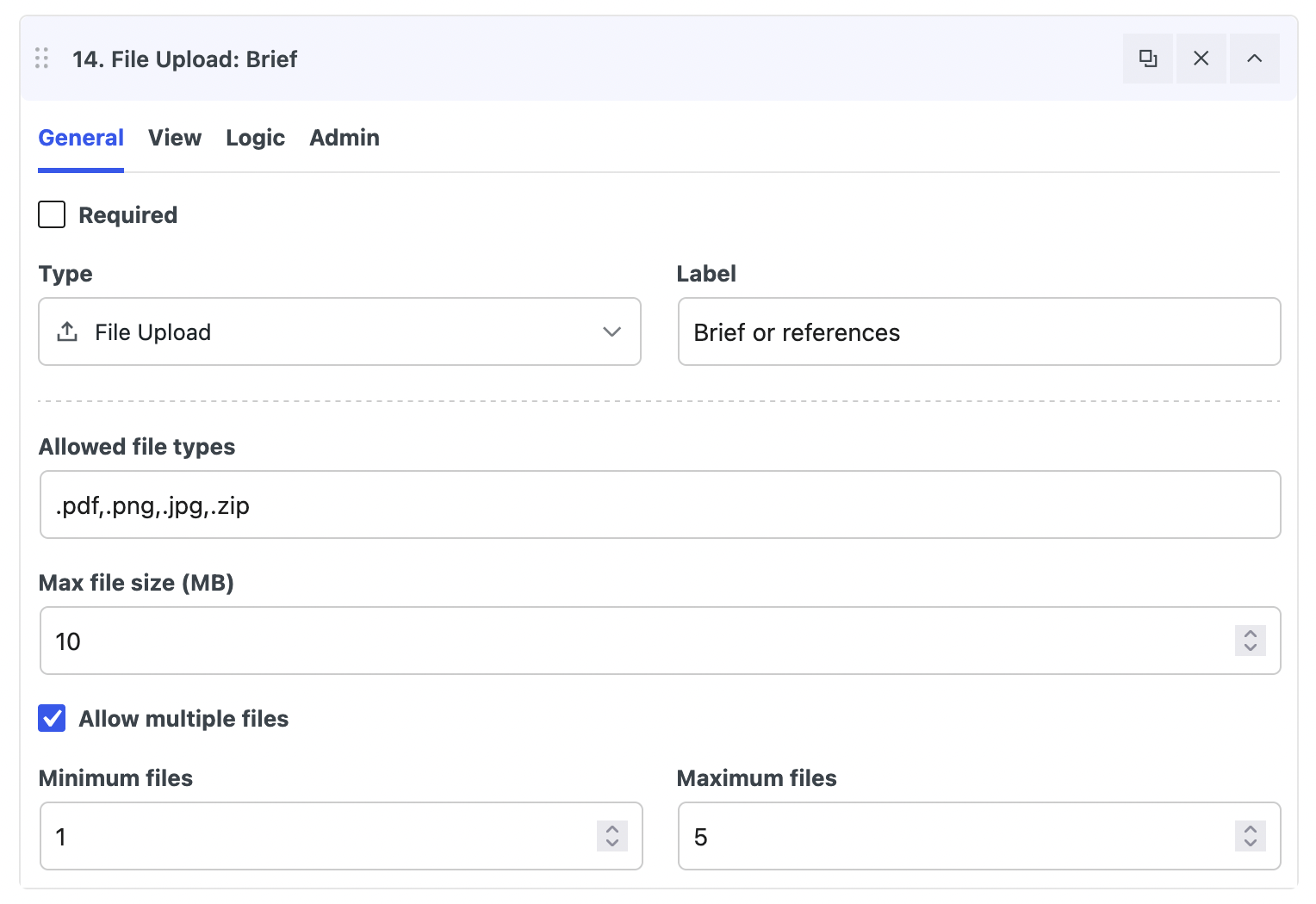
Set minimum and maximum file counts
Allowing multiple files does not mean that the upload field has to be unlimited.
In Elzo Forms, you can define how many files the field should accept. For example:
Minimum files: 1
Maximum files: 5
A minimum can be useful when an attachment is required, while a maximum prevents visitors from adding more files than the form is designed to handle.
This is useful for forms such as job applications, quote requests, support requests, document collection, project briefs, and image submissions.
Limit upload size and allowed file types
File uploads should normally have restrictions rather than accepting anything a visitor selects.
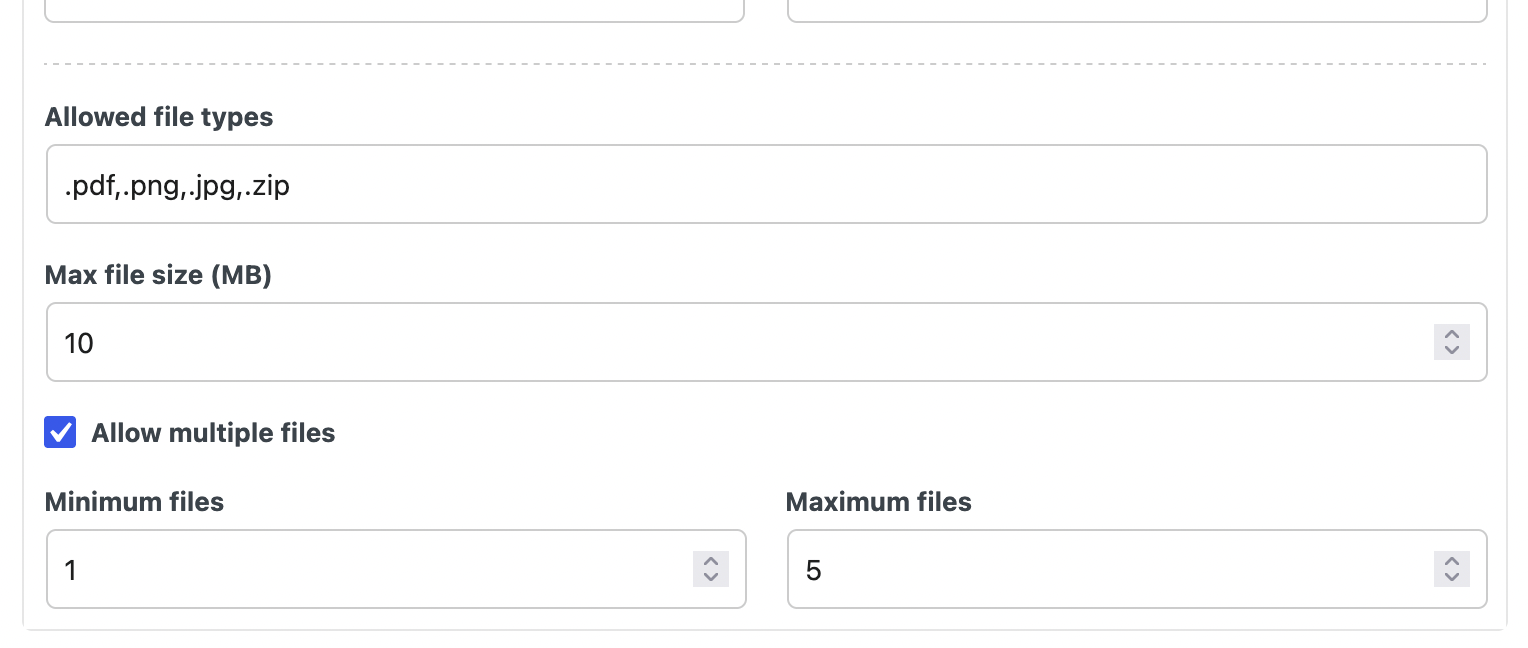
The Elzo Forms File Upload field can be configured with:
- minimum and maximum file counts;
- maximum upload size;
- allowed file types;
- single or multiple file selection.
For example, an image submission form can be limited to appropriate image formats, while a document form can allow only the document types you actually expect to receive.
Executable file types such as .php and .phtml are rejected rather than being treated as normal user attachments.
Uploading larger files with chunked uploads
Uploading a large file in a single browser request can be less reliable than uploading it in smaller parts, especially on slower connections or WordPress hosting with request limits.
Elzo Forms supports chunked uploads. The browser uploads a file in smaller chunks and the plugin assembles those chunks on the server.
From the visitor’s perspective, there is no separate workflow: they select the file normally and the upload field handles the process.
Chunked uploading is particularly useful when the same form may receive both small attachments and larger photos or documents. Your hosting environment can still impose its own storage, request, or server limits, so those should also be considered when designing forms for very large files.
What visitors see when uploading multiple files
On the frontend, several files can be added through the same upload field instead of requiring a separate input for every attachment.
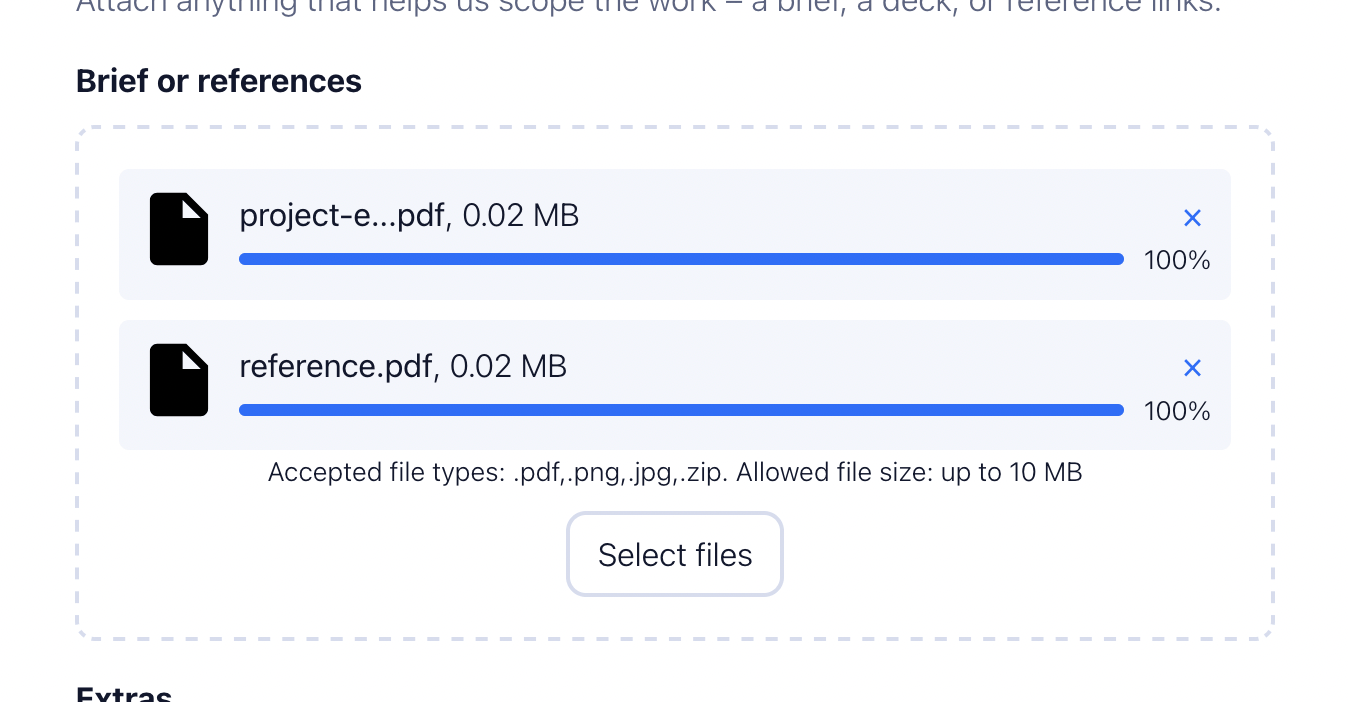
This can also be combined with other form features. For example, a larger project request could be split into several steps:
Step 1 — Contact information
Name, email and phone.
Step 2 — Project details
Project type, description and any relevant conditional questions.
Step 3 — Attachments
Photos, drawings or supporting documents.
Multiple file uploads, multi-step forms, and conditional field visibility can all be used together in Elzo Forms Free.
What happens to uploaded files after submission?
Uploading the files is only part of the workflow. In many cases, you also need a convenient way to review them afterward.
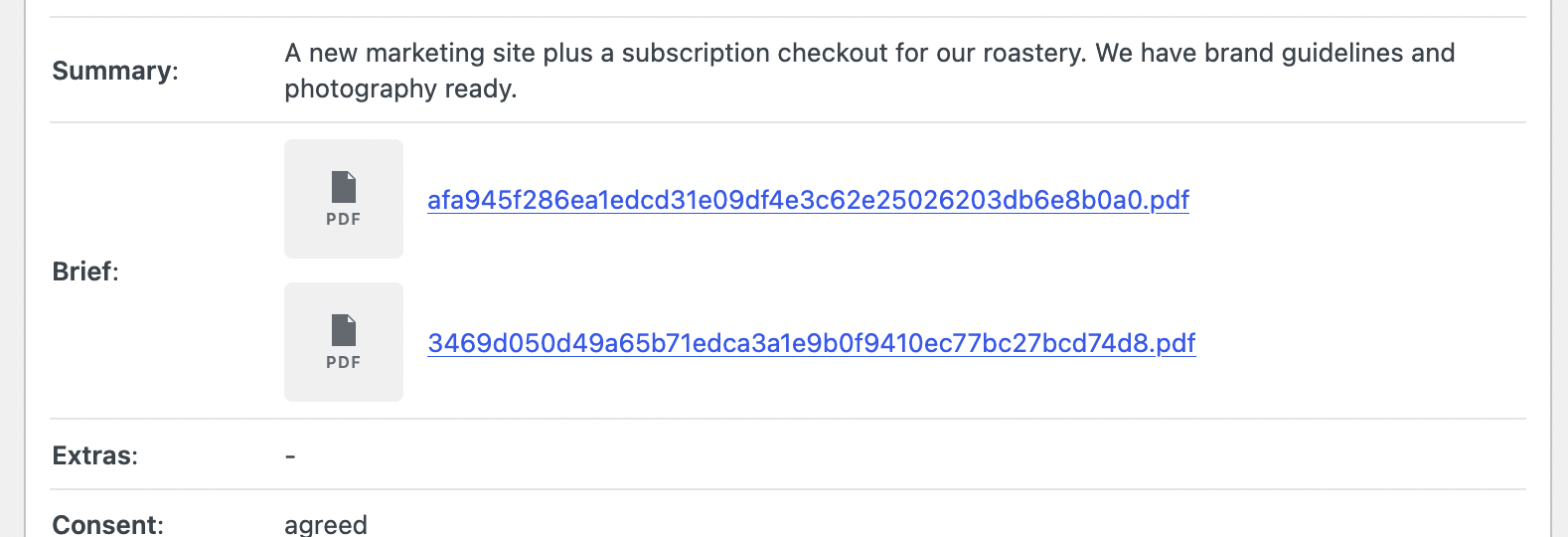
Elzo Forms can store form submissions in the WordPress admin together with the submitted field values and uploaded files. You can open a submission later and review the information and attachments associated with it.
This makes multiple uploads useful for workflows such as:
- job applications with a CV and portfolio;
- quote requests with several project photos;
- support forms with multiple screenshots;
- project briefs with drawings and reference files;
- document collection forms;
- photography, artwork, or other media submissions.
Are multiple file uploads available in Elzo Forms Free?
Yes. Multiple file uploads are part of the free version of Elzo Forms, together with file count limits, upload size limits, allowed file type restrictions, and chunked uploads for larger files.
The free plugin also includes stored submissions, multi-step forms, conditional field visibility, email notifications, spam protection, styling controls, and Gutenberg integration.
Elzo Forms PRO focuses on more advanced workflows such as post-submission automations, additional condition types, webhooks, and other actions. PRO is not required simply to allow several files in one upload field.
Create a WordPress form with multiple file uploads
If you need a free WordPress form plugin with multiple file uploads, you can use Elzo Forms to create an upload field, choose how many files it accepts, restrict their size and type, and keep the uploaded files with the resulting submission in WordPress.
For more complex forms, the same upload field can be combined with multiple steps and conditional fields rather than creating a separate form for every use case.
Install Elzo Forms from the official WordPress Plugin Directory